
Max the Elf is a vibrant 2D side-scrolling adventure that blends platforming, light puzzles, and fast-paced combat. Players step into the shoes of Max, a brave elf tasked with defending his enchanted forest from waves of dark creatures. This page collects everything you need to know about the game — from controls and versions to helpful tips — in one easy place.
Gameplay Overview
Max the Elf is a colorful 2D side-scrolling platformer that invites players into a lively, story-driven world. You guide Max — a brave elf sworn to protect his enchanted forest from mysterious dark forces. The game combines smooth platforming, clever puzzles, and fast-paced combat, creating an experience that appeals to both casual players and action-adventure fans.
Each stage offers fresh scenery and challenges, from bright woodland clearings to hidden caves and ancient ruins. Expressive characters, polished animations, and atmospheric backgrounds keep the adventure visually engaging while helping players connect with the story.
Combat is easy to learn yet grows more strategic as you unlock new abilities. Quick reflexes, timing, and smart planning are key to overcoming varied enemies and environmental hazards. Players can experiment with different moves, slides, and power-ups to develop their own play style.
A lightweight narrative supports the action without slowing the pace. Dialogues and short cutscenes reveal secrets about the forest’s magic and the forces threatening its peace, encouraging exploration and replayability.
Recent updates enhance graphics, refine controls, and introduce extra levels, characters, and optimizations for smoother performance across devices. Multiple language options make the game welcoming to a global audience.
With its mix of vivid art, responsive controls, and thoughtful design, Max the Elf delivers a safe, entertaining adventure suitable for a wide range of players — from newcomers to seasoned platform fans.
🎮 Max the Elf – Keyboard Controls
| Key / Control | Action |
|---|---|
| ESC | Pause or reset the game |
| A / D or ← / → | Move your character left or right |
| W / ↑ or Space | Jump |
| S | Duck or crouch to avoid obstacles |
| Q | Punch attack |
| E | Special attack |
| X | Activate Maxbate mode |
| C | Zoom the game screen in or out |
| H | Surrender / give up |
| S + Q | Sliding attack for dynamic movement |
💡 Tip: For a smoother experience, connect a controller if your system supports it.
Game Versions & Updates
Max the Elf has evolved through several releases. Each version improves performance and adds fresh content for players:
| Version | Highlights |
|---|---|
| v1.0 | Original launch with story mode and basic controls |
| v1.2 | Added new levels and improved animations |
| v1.5 | Performance boost, smoother movement, bug fixes |
| v2.0 | Major update featuring refined combat and bonus areas |
Always download the latest APK to enjoy optimized gameplay and security fixes.
Max the Elf: Pro Boss Mechanics & Combat Strategy
Master the high-stakes encounters of Elvoria with our verified tactical walkthroughs.
ELITE BOSS The Stone Golem (Earth Crusher)
The Stone Golem is a mid-level boss that tests the player’s movement and timing. It features heavy armor and gravity-based strikes.
Uses the “Seismic Slam”—a ground attack that triggers shockwaves across the floor.
🎮 Winning Strategy:- Jump Timing: Press Space or W exactly when the Golem slams its fists.
- Counter-Strike: After the slam, use Q (Punch) or E (Special Attack) during its recovery phase.
FINAL WARDEN The Dark Warden (Shadow Master)
The Dark Warden uses dark magic and teleportation. It is the most strategic boss encounter in the game.
The Warden cycles between shadow bolts and summoning Shadowlings to distract you.
🎮 Winning Strategy:- Screen View: Use the C key to zoom out and track teleportation points.
- Slide Dodge: Use S+Q (Sliding Attack) to pass under magic bolts and strike the Warden instantly.
Characters in Max the Elf
| Character | Role & Specialty |
|---|---|
| Max | The playable hero — a quick, agile elf skilled in jumping, sliding, and light magic attacks. |
| Luna | A forest sprite who gives hints and restores health during levels. |
| Elder Oak | The wise guardian of the forest who introduces Max to new abilities and lore. |
| Shadowlings | Mischievous dark creatures; they appear in early stages and test the player’s timing. |
| Dark Warden | A powerful enemy leader who controls many of the game’s traps and bosses. |
| Stone Golem | A mid-boss known for its heavy strikes and high defense. |
| Wind Fox | A fast, friendly companion that helps players learn movement tricks. |
| Crystal Mage | A late-game villain who uses teleportation and long-range magic attacks. |
Tips & Tricks
- Keep an eye out for secret passages — many hide extra coins or shortcuts.
- Time your jumps carefully in moving-platform sections.
- Use slides (S + Q) to pass under obstacles or to dodge mid-combat.
- Upgrade to the newest version for smoother performance and new challenges.
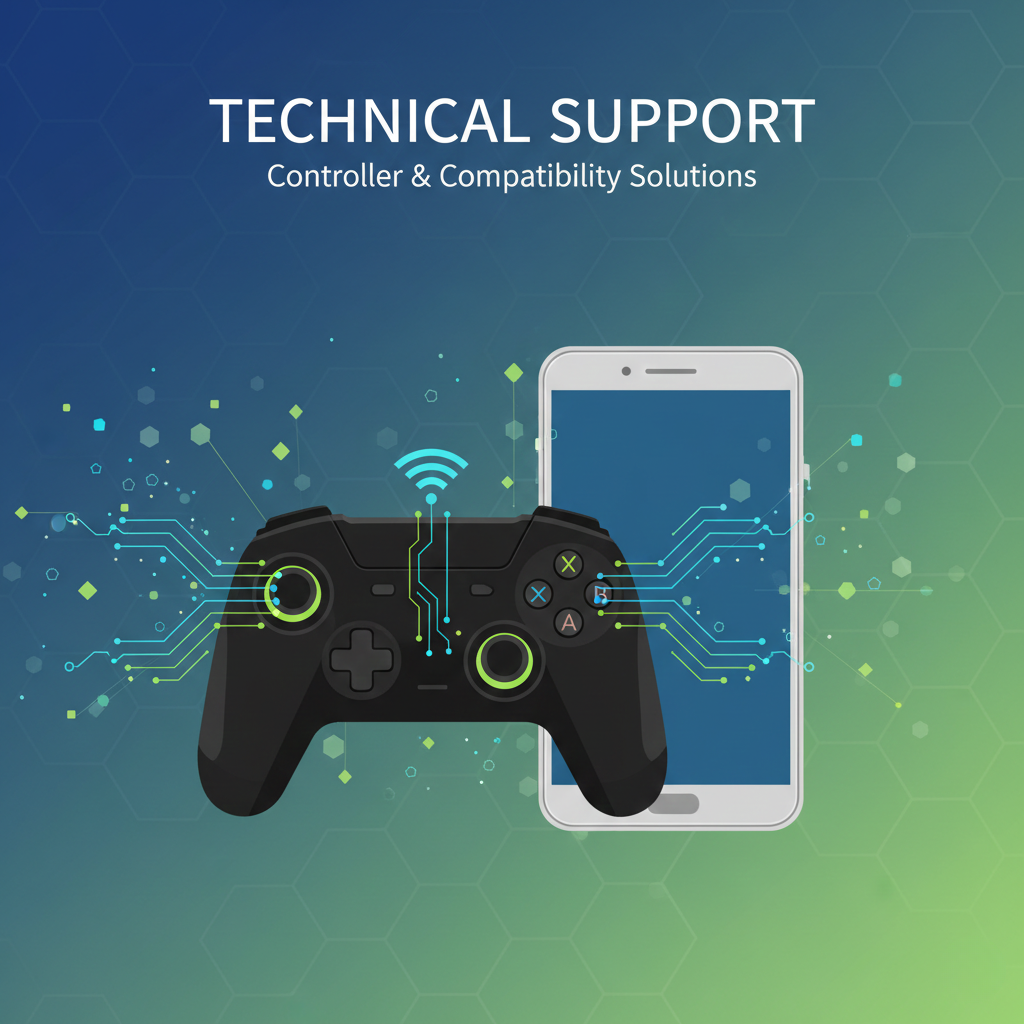
Technical Support & Performance Optimization
Optimize your gameplay experience and resolve common technical issues with our expert guide.
🎮 Advanced Controller Mapping
While Max the Elf is natively optimized for keyboard play (A/D to move, Space to jump), using a system-supported gamepad can offer a more immersive experience.
🚀 Resolving Low FPS & Performance Lags
If you encounter frame drops or stuttering during high-action sequences, follow these steps:
- Update Version: Ensure you are running Version 5.03 or 5.04. These updates contain specific engine optimizations that double the frame rate on mid-range devices.
- System Resources: Close background applications to free up RAM for the game’s 2D sprite rendering.
💻 64-bit vs. 32-bit Compatibility
A common cause for “Black or Pink Screen” crashes is an architecture mismatch between the APK and your device.
Critical Check: Verify your Android hardware architecture. If you are using an older 32-bit device, modern 64-bit APKs will not launch. Always ensure the Package ID “Maxtheelf” is compatible with your OS bit-version before installation.
Need further assistance? Contact our technical team via the Contact Page.