
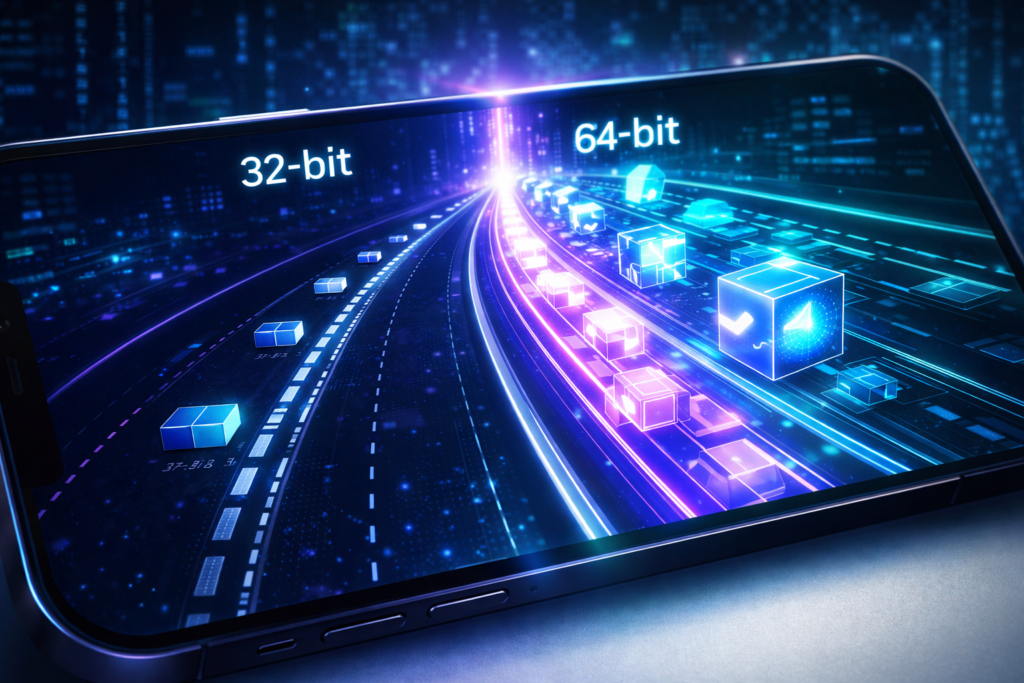
It’s a frustrating moment every mobile gamer knows: you find a trending new title on the Play Store, hit install, and get the dreaded “Your device isn’t compatible with this version” message. If you’ve done your homework, you likely discovered the culprit: the game is 64-bit (arm64-v8a), and your phone is running a 32-bit (armeabi-v7a) architecture.
Can you play 32-bit games on 64-bit systems? Usually, yes—backward compatibility is standard. But going the other way? That’s where things get tricky. In this guide, we’ll break down the technical barriers and the few legitimate workarounds available to bridge the 32-bit to 64-bit gap.
The Technical Reality: 32-bit vs. 64-bit
To understand the solution, you have to understand the wall you’re hitting. A 32-bit processor can only handle a specific amount of data at once. Think of it like a two-lane highway. A 64-bit game is a massive convoy that requires four lanes to move. No matter how much you “optimize” the two-lane road, the convoy simply won’t fit.
Why Can’t You Just “Update” to 64-bit?
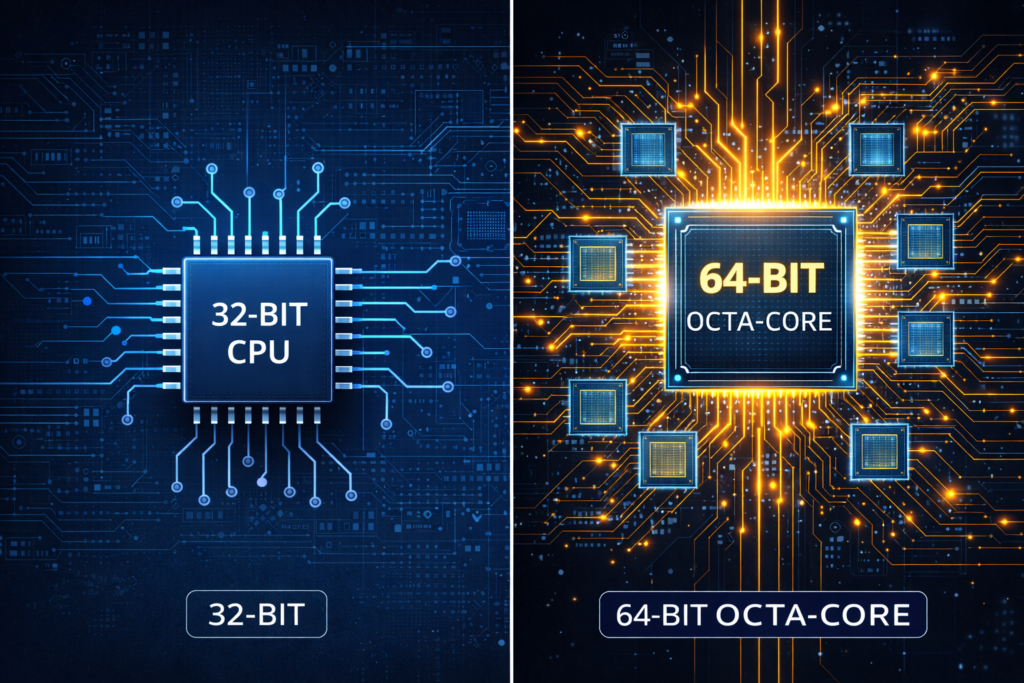
Most users think a simple software update can fix this. However, it’s a hardware limitation. If your physical CPU is 32-bit, it lacks the registers required to understand 64-bit instructions.
However, there is a “middle ground” scenario. Many budget devices use 64-bit capable processors but ship with a 32-bit version of Android to save on memory (RAM) usage. In this specific case, you aren’t fighting the hardware; you’re fighting the OS.
How to Run 64-bit Games on 32-bit Hardware
If you are determined to make this work, you have three primary paths. Let’s look at what actually works and what is just “clickbait.”
1. The Only Real Fix: Cloud Gaming
If your hardware cannot process 64-bit code, let someone else’s hardware do it. Cloud gaming services like Xbox Cloud Gaming, GeForce NOW, or Shadow allow you to stream 64-bit games to a 32-bit device.
Since the game is running on a high-end server and just sending a video feed to your phone, your architecture doesn’t matter. As long as you have a stable internet connection, this is the most effective “workaround.”
2. Using Virtual Machines (VMOS)
Apps like VMOS (Virtual Machine Operating System) allow you to run a secondary Android OS inside your current one. Some versions of VMOS claim to provide a 64-bit virtual environment.
- How it works: It emulates the instruction sets needed for 64-bit apps.
- The Catch: Emulation is extremely heavy on resources. If your phone is already 32-bit, it likely doesn’t have the RAM or CPU power to run a virtual 64-bit OS smoothly. Expect significant lag.

3. Flash a 64-bit Custom ROM (Expert Only)
As mentioned earlier, some phones have 64-bit CPUs but 32-bit software. If you are tech-savvy, you can check forums like XDA Developers to see if a 64-bit Custom ROM exists for your device.
By replacing your factory OS with a community-made 64-bit version, you unlock the full potential of your hardware. Before attempting this, ensure you understand how to manage your files and backup your Android data properly, as unlocking bootloaders wipes your device.
Yes. Almost all 64-bit Android devices are backward compatible. They include the necessary libraries to run older 32-bit applications without any extra steps.
Download an app like AnTuTu Benchmark or CPU-Z. Look under the “System” or “Android” tab for “Kernel Architecture.”
Instruction Set: arm64-v8a means you are on 64-bit.
Instruction Set: armeabi-v7a means you are on 32-bit.
No. Any app claiming to “convert” your hardware via a simple download is likely malware or a scam. Architecture is a physical property of the chip.
Pro-Tips for Budget Gamers
If you are stuck on a 32-bit device, you don’t have to give up on gaming. Many top-tier developers still release “Lite” versions of their games specifically optimized for older architectures.
When searching for new titles, look for the best offline games for Android that list armeabi-v7a in their requirements. These games are designed to run efficiently on limited hardware while still providing a high-quality experience.
Additionally, keeping your system clean can help. You can learn more about managing app performance and how to uninstall apps on Android to free up the RAM necessary for heavier emulators or cloud streaming apps.
Final Thoughts
While you can’t physically change a 32-bit CPU into a 64-bit one, tools like Cloud Gaming and Virtual Machines provide a bridge for those who aren’t ready to upgrade their hardware. If you’re a serious gamer, your next device should definitely be 64-bit native to ensure you aren’t left behind by the next wave of mobile releases.